If an Etsy listing photo will not upload, the problem is often a mix of pixel dimensions, file size, connection speed, format, or original image quality.
This guide explains Etsy photo size in plain English, then shows a practical Piczilo workflow: resize only when needed, compress carefully, inspect the downloaded file, and upload the checked copy to Etsy.
Quick answer
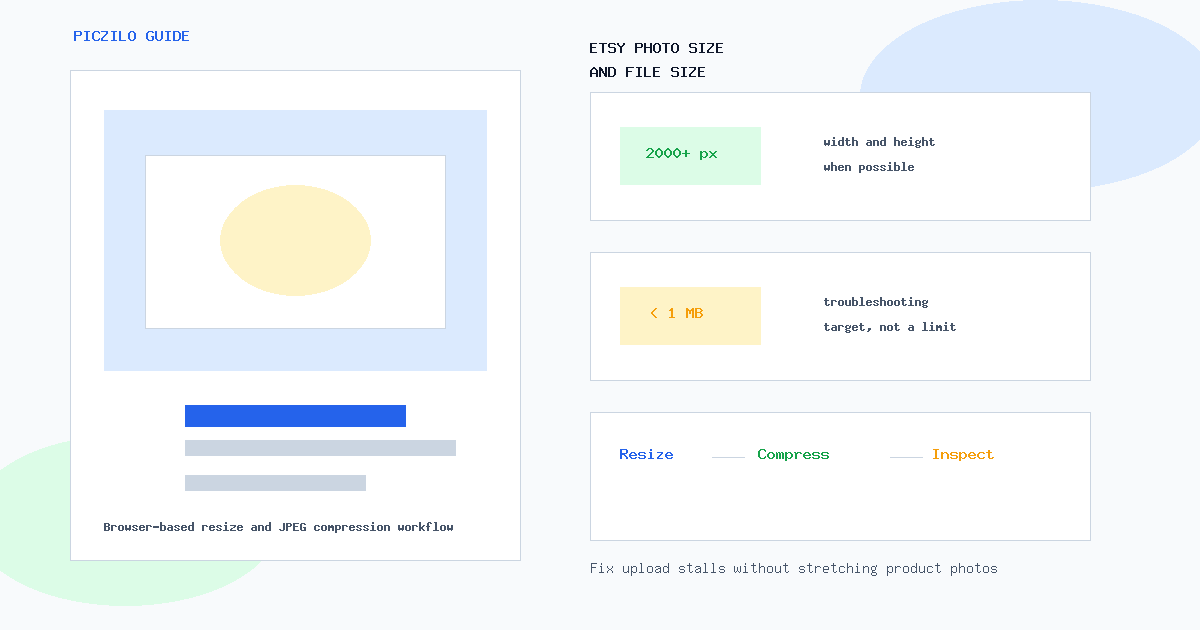
For listing photos, Etsy recommends images with both width and height at least 2,000 pixels. Start with that as your full-resolution target when your original photo supports it, then use Resize Image only if the file is oversized or the dimensions need adjustment.
- Recommended listing size: at least 2,000 px wide and 2,000 px tall when possible.
- First-photo guidance: at least 635 px wide and 635 px tall to avoid appearing lower in search, but this is not the recommended full-resolution target.
- Upload troubleshooting target: aim below 1 MB when uploads stall. This is a practical target based on Etsy's warning, not a hard upload limit or a guarantee.
- Workflow: resize when necessary, then compress, inspect dimensions and quality, and upload the checked download.
Etsy's official photo guidance
Etsy separates file type requirements from image size recommendations. Its current Help Center page says shop images should use one of the supported file types, and it lists .jpg, .gif, .png, .svg, and .heic. Animated GIFs and transparent PNG files are not supported in the way many sellers expect.
For listing images, Etsy recommends a width and height of at least 2,000 pixels. It also says the first listing photo should have a width and height of at least 635 pixels to avoid showing up lower in searches. Treat 635 px as a minimum first-photo search guideline, not the size you should intentionally target for polished product photos.
Etsy also warns that images larger than 1 MB may not finish uploading, especially on slower internet connections. That is different from a hard limit. A smaller file can still fail for other reasons, and a larger file may sometimes upload successfully.
The profile-photo recommendation is separate from listing photos. Etsy recommends a 400 x 400-pixel profile photo, which is useful for your shop identity but not the target for product listing images. Source: Etsy Help Center image requirements and best practices.
Pixels versus KB and MB
Pixel dimensions describe how wide and tall an image is. A 3000 x 3000 photo has more visual information than a 900 x 900 photo, even if both appear as squares on your screen.
File size describes how much storage the image uses, usually shown as KB or MB. File size depends on dimensions, format, compression, image detail, and sometimes metadata. A simple white-background product photo can be smaller than a busy lifestyle photo with the same dimensions.
This is why Etsy image size requirements and upload troubleshooting are not the same thing. A listing photo can have enough pixels but still be several megabytes. Another photo can be under 1 MB but too small or blurry for shoppers.
Why Etsy photos may get stuck uploading
Large original phone photos are a common cause of slow uploads. Current phones can create images that are thousands of pixels wide and several megabytes each. On a slow Wi-Fi or mobile connection, Etsy warns that files over 1 MB may not finish uploading.
File size is not the only possible cause. Browser issues, temporary Etsy problems, unsupported variants, a weak connection, or a damaged file can also interrupt an upload. The practical first step is to check both dimensions and file size before changing the image.
Check on iPhone
Open Photos, choose the image, then swipe up or tap the Info button. Recent iOS versions can show metadata such as file size and camera details. If dimensions are missing, check the file on a computer.
Check on Android
Open Google Photos or Files by Google, select the image, and look for Details or File info from the three-dot menu. Menus vary by phone brand.
Check on Windows
In File Explorer, right-click the image, choose Properties, and check the General tab for file size. The Details tab usually lists dimensions, width, and height for common image files.
Check on Mac
In Finder, select the image and choose Get Info, or open the file in Preview and use the Inspector. Either view can show file size and dimensions.
Step-by-step Piczilo workflow
1. Start with a sharp original
Use the original camera photo when you can, not a screenshot, message preview, or social-media download. Etsy compresses uploaded images for display, so beginning with a clean source gives you more room to resize and compress without visible damage.
2. Resize oversized images only when necessary
Open Resize Image, choose a JPG, PNG, or WebP file, and review the inspected dimensions. The page shows Target dimensions, Fit mode, Position, Background, Output settings, and a Resize image button after a valid image is selected.
Leave the aspect ratio locked for proportional resizing. Do not stretch a landscape product photo into a square. If you need a square composition, use Cover to fill and crop carefully, or Contain to keep the full image visible with background space.
For Etsy listing photos, choose dimensions that keep both width and height at least 2,000 pixels when the original supports it. Setting only the long edge to 2,000 px is not enough if the short edge drops below 2,000 px. Enlarging a tiny image also does not restore missing detail.
3. Compress for upload troubleshooting
After resizing, use Compress Image to 500 KB when Etsy uploads are getting stuck. The tool accepts JPG, PNG, and WebP input, creates a local JPEG result below the configured 500 KB target when safe limits allow, and downloads the result from your browser.
Because this target-size workflow can reduce dimensions to reach the file-size target, check Output dimensions after downloading. If the file is below 500 KB but one side is now too small for your listing goal, go back to a better original or use gentler compression.
If 500 KB makes the product look soft, use Compress JPG instead. That tool keeps JPG output, preserves dimensions by default, and gives you a Quality control plus optional Maximum dimensions in Output settings so you can choose a less aggressive result.
4. Inspect the downloaded file
Open the downloaded image before uploading to Etsy. Check dimensions, file size, product details, edges, text on packaging, background color, and overall color. The downloaded file is the one you should judge, not only the browser preview.
Piczilo processes supported selected images in the browser for these workflows and does not upload them to Piczilo. The results download locally. That privacy note applies to the image processing workflow described here, not to every possible network request a website may make.
5. Upload and review Etsy's preview
Upload the checked file to Etsy and review the listing preview. Look at the first image, thumbnails, and any crop controls Etsy provides. If the subject is clipped or the photo looks soft, return to the original and adjust the crop, dimensions, or compression strength.
Square versus landscape first photos
Etsy says the first listing photo should be horizontal or square so the center focal point appears in cropped thumbnails. Do not force every product into a perfect square.
Keep the product centered with useful space around it. Extra space gives Etsy room to crop previews without cutting off the item. Check Etsy's preview because thumbnails can appear differently across search, listing pages, and devices.
Common mistakes to avoid
- Starting with tiny source images and expecting resizing to make them sharp.
- Compressing the same JPG again and again instead of going back to the original.
- Using screenshots of product photos instead of the actual photo file.
- Mixing vertical, square, and landscape images without checking the first-photo preview.
- Stretching a product photo to fit a shape instead of cropping or adding space.
- Ignoring the downloaded result after a tool reports that compression finished.
If the image looks soft
A soft Etsy image usually means the source was too small, the photo was enlarged, or compression was too aggressive. Use a better original, resize only when needed, and keep both dimensions large enough for the listing.
Compression always involves a tradeoff for JPEG output. Pushing file size too low can blur texture, product labels, jewelry detail, fabric weave, or printed text.
Use Compress Image to 200 KB only when you need a more aggressive target than 500 KB. For Etsy listing photos, 200 KB is an optional troubleshooting choice, not the default target for every product image. The broader image file size guide and JPG vs PNG vs WebP guide explain the tradeoffs in more detail.
Frequently asked questions
What size should Etsy photos be?
Etsy recommends listing photos with both width and height at least 2,000 pixels. The first listing photo should be at least 635 pixels wide and tall to avoid appearing lower in search, but 635 px is not the recommended full-resolution target.
Why won't my Etsy photo upload?
A photo may fail or stall because the original is large, the connection is slow, the browser is having trouble, Etsy is temporarily unavailable, or the file has another issue. If the file is over 1 MB, try resizing when needed, compressing a copy, and uploading the inspected download.
Is 1 MB a hard limit for Etsy photos?
No. Etsy warns that images larger than 1 MB may not finish uploading, especially on slower connections. Treat under 1 MB as a practical troubleshooting target, not a strict limit or a guarantee.
Does DPI matter for Etsy listing photos?
DPI metadata does not add pixels or fix blur for online listings. For Etsy listing photos, pixel dimensions and visible sharpness matter more than changing a 72 DPI or 300 DPI label.
Can I upload HEIC photos from my iPhone?
Etsy currently lists .heic as a supported image file type. If a HEIC photo still gives you trouble, converting a copy with HEIC to JPG is a practical troubleshooting step because JPG is broadly compatible.
Prepare your Etsy photo
The safest workflow is simple: start with a sharp original, resize only when the dimensions need it, compress a copy for upload troubleshooting, inspect the downloaded result, and then upload to Etsy.
Use Resize Image to keep dimensions under control, then try Compress Image to 500 KB when an Etsy photo will not upload smoothly. Keep the original file so you can make a gentler export if the compressed version loses too much detail.