Local processing
Runs inside your browser
Image compressor
Compress JPG, JPEG, PNG or WebP images to 100KB or below directly in your browser. Piczilo targets a file at or under 100 KB while keeping as much visible quality as the image dimensions, format and complexity allow.
Select one image and Piczilo will prepare it for compression locally.
Runs inside your browser
Your file stays on your device
Download stays at or below 100 KB
Before you start
Practical details from this tool's current settings.
JPG, PNG, WebP files up to 25 MB.
A local download created from the selected file.
Selected file is processed in your browser and no public result URL is created.
The final download is JPEG, so transparent PNG or WebP areas are flattened to a white background.
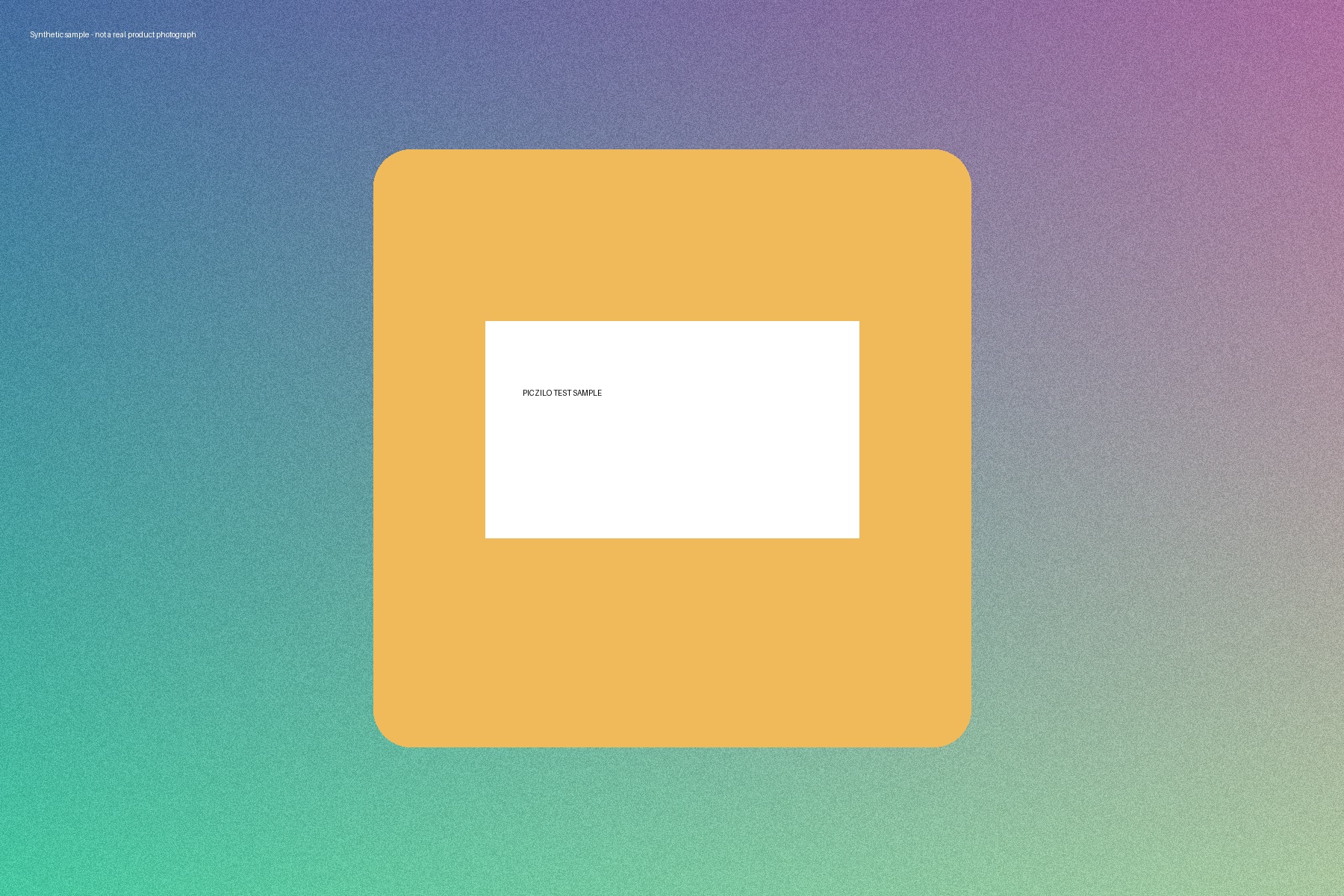
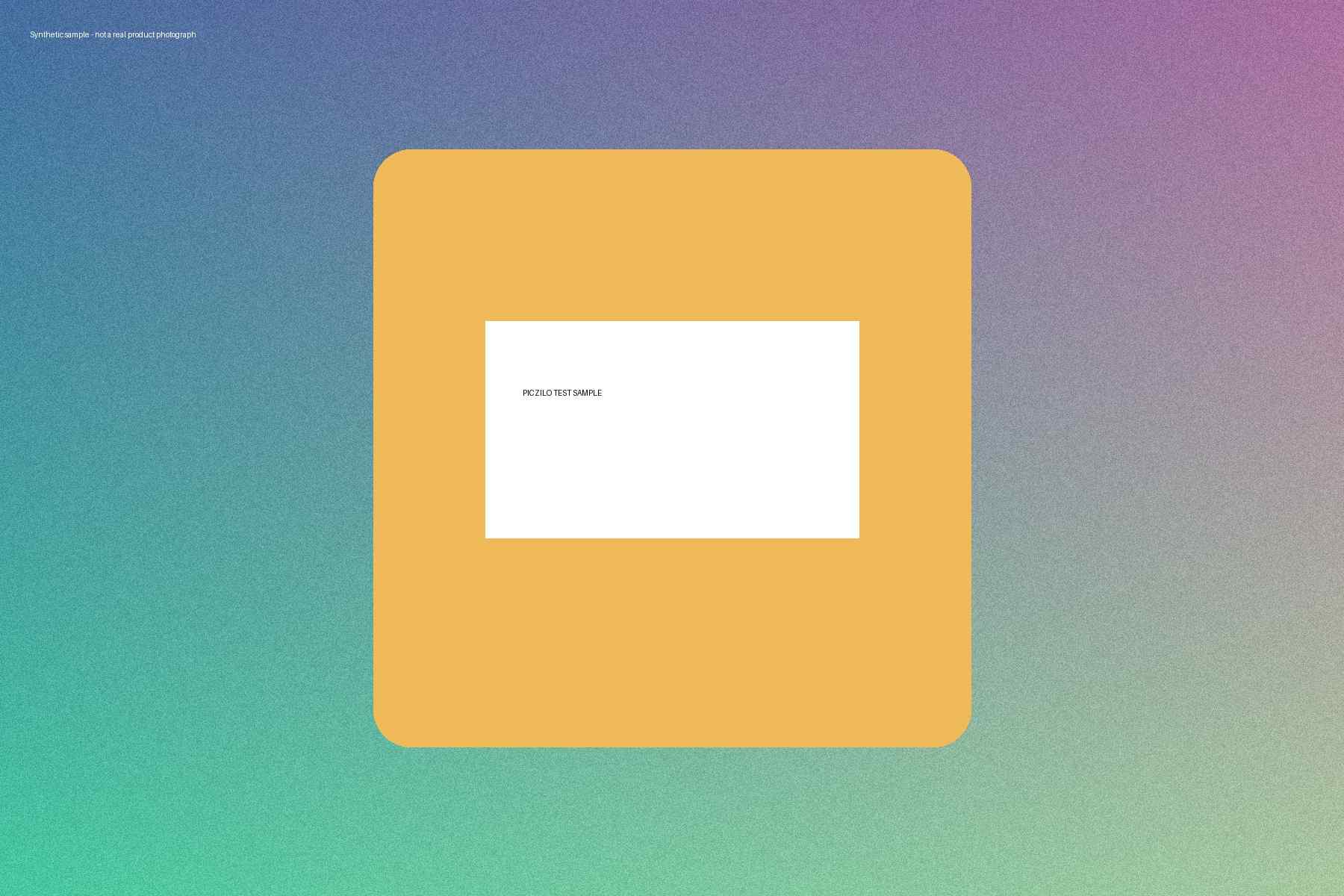
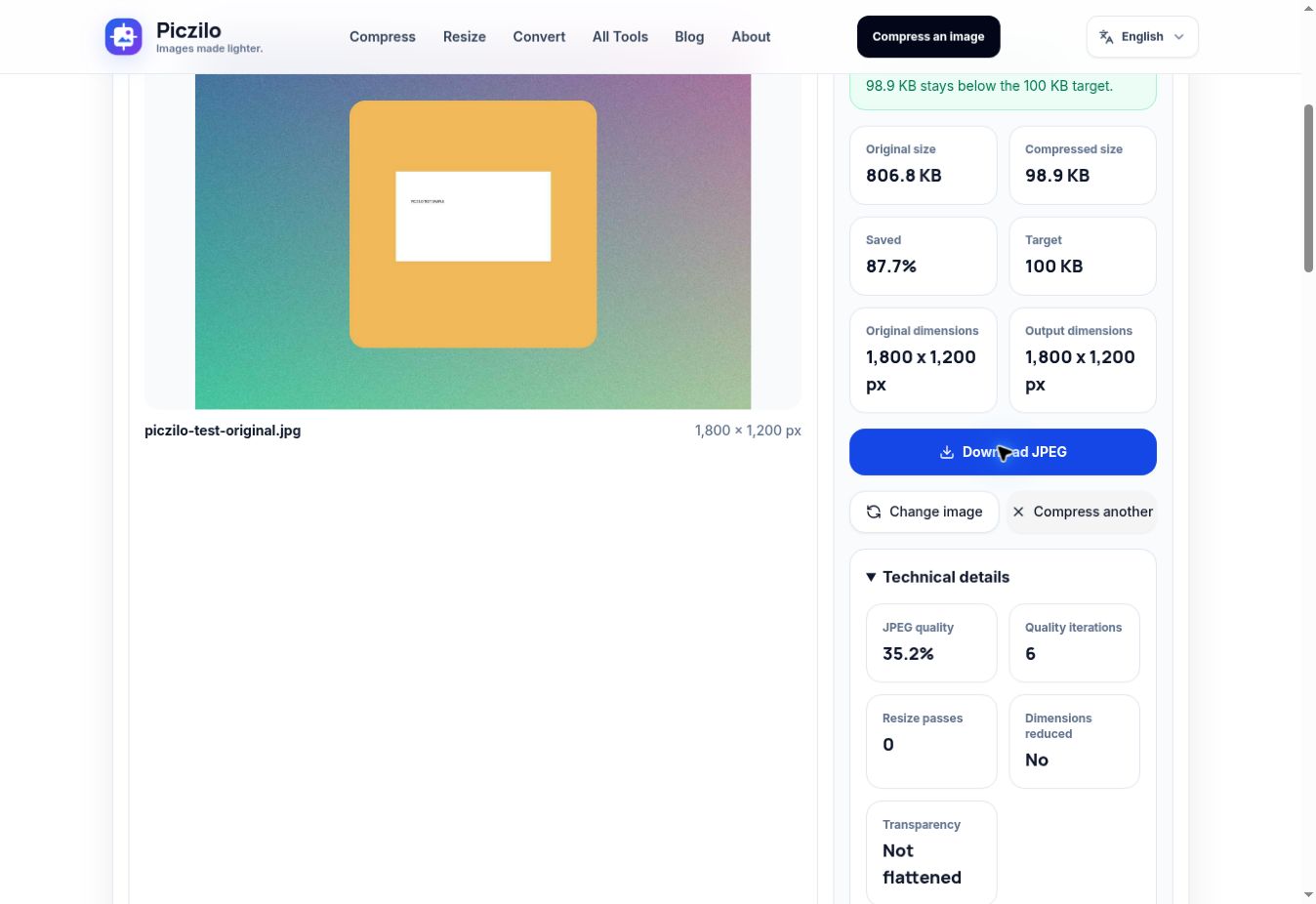
Synthetic demonstration image, processed in an actual Piczilo run on October 12, 2026. The source is generated artwork, not a real product photograph. This one file became 87.75% smaller; that reduction does not predict results for other images.
| File | Format | Dimensions (px) | Exact bytes |
|---|---|---|---|
| Original | JPEG | 1,800 x 1,200 | 806,849 |
| Output | JPEG | 1,800 x 1,200 | 98,869 |
Settings: fixed 100,000-byte target, automatic JPEG quality search. The result panel reported 35.2% quality, 6 quality iterations and 0 resize passes. Dimensions stayed unchanged, but JPEG compression was lossy. Fine background texture is simplified and small lettering is softer. Retaining pixel dimensions does not preserve every detail.
Simple process
Choose a JPG, JPEG, PNG or WebP image from your phone or computer.
Choose Compress image; the 100,000-byte cap is fixed and quality or dimension changes are automatic.
Review Output dimensions and the preview. Open Technical details to see JPEG quality and resize passes.
Choose Download JPEG and select that saved copy at the destination; already-small JPEGs use Download original JPEG.
Learn more
Practical guides that explain the format and file-size decisions behind this tool.
Questions
Select a JPG, PNG or WebP, then choose Compress image. Compare Output dimensions with the destination requirements and inspect the result before choosing Download JPEG. If a JPEG is already at or below 100,000 bytes, Download original JPEG is available without recompression.
Usually the goal is at or below 100 KB, not an exact byte-for-byte result. Dimensions, format and image complexity affect the final file size.
Yes. The tool accepts PNG and WebP input, flattens transparency to white for JPEG output, and attempts to create a download below the target.
A smaller file may require some lossy compression or resizing. Piczilo searches for a balanced result so visible quality is preserved as much as possible.
No. Supported images are inspected and compressed locally in your browser, then the compressed file is downloaded on your device.
Check the downloaded file rather than the original, then compare its JPEG format and pixel dimensions with the destination instructions. Automatic resizing may have reduced dimensions below a required minimum. File size alone does not establish acceptance.
Start again from the original. Crop unused background only when permitted, or resize to useful dimensions before returning here. The target tool has no quality slider; use Compress Image for manual control, or 200 KB only if your destination allows it.
More tools
Choose another available Piczilo tool.